
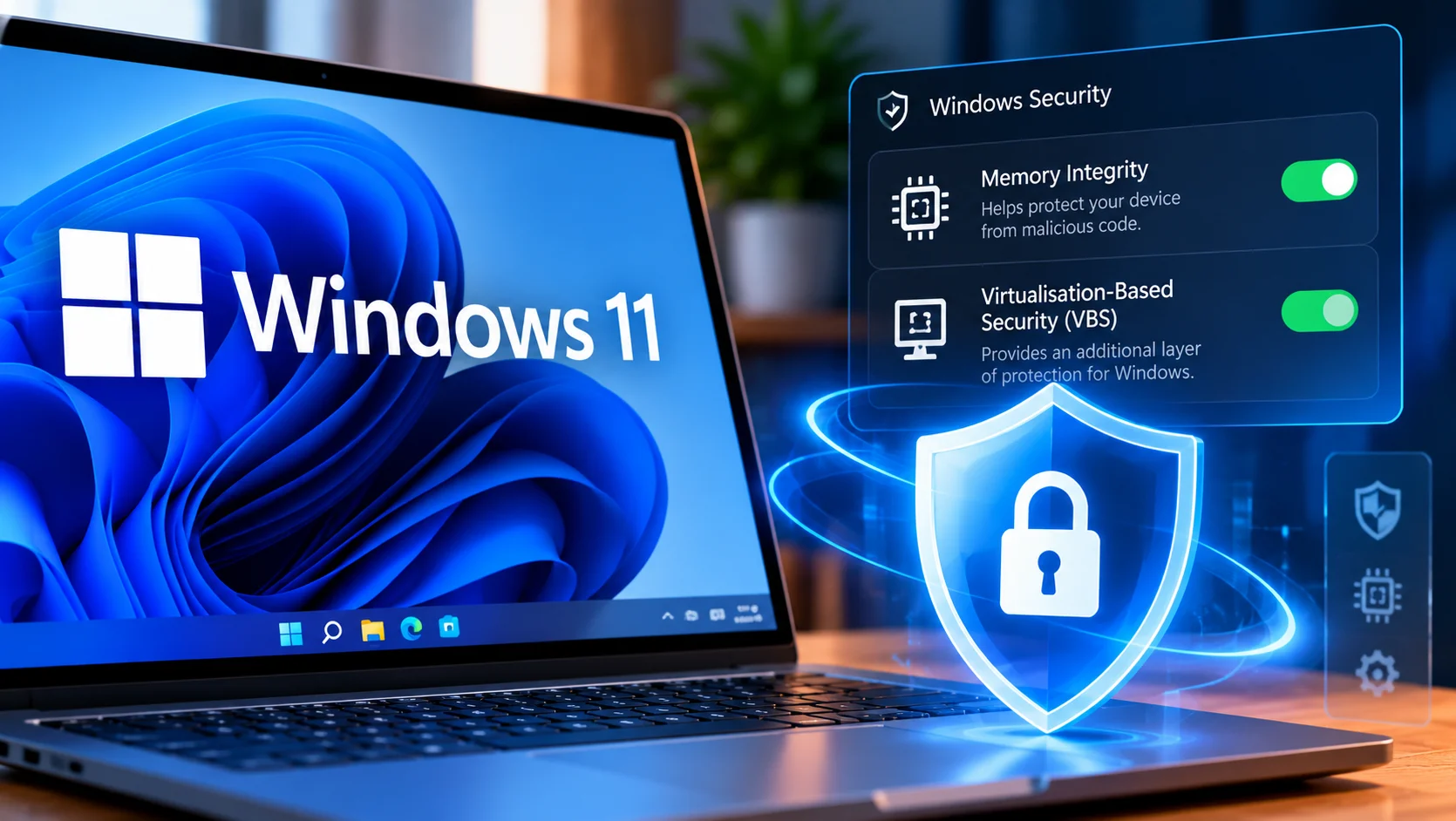
Microsoft is expanding one of Windows 11’s built-in security protections to more computers from October 2026.
Through upcoming Windows quality updates, Memory Integrity will begin switching on automatically across more eligible devices.
Some PCs may also have Virtualisation-Based Security, or VBS, enabled as part of the process.
For most laptop owners, the change could happen quietly in the background. There may be no redesigned interface or obvious new feature to explore.
Behind the scenes, however, Windows could be receiving an important additional layer of protection.
Table of Contents
What Is Memory Integrity?
Memory Integrity is a Windows security feature designed to help prevent untrusted code from interfering with critical parts of the operating system.
It uses hardware virtualisation technology to create a more protected environment for important Windows processes.
The technology is also known as Hypervisor-Protected Code Integrity, or HVCI.
Rather than relying entirely on antivirus software to identify malicious activity after it appears, Memory Integrity aims to make certain types of low-level interference more difficult in the first place.
The feature itself is not new.
What is changing is Microsoft’s approach to enabling it.
Microsoft Is Expanding Automatic Protection
Memory Integrity has previously been automatically enabled in several scenarios, including compatible clean installations of Windows 11.
Microsoft is now expanding the protection to more existing eligible devices through Windows quality updates.
The rollout begins in October and will happen gradually.
This means two otherwise similar Windows 11 laptops may receive the change at different times.
Microsoft will also evaluate a computer before enabling the feature. Hardware capability, driver compatibility and performance considerations are among the factors involved.
Your Existing Choice Still Matters
One particularly important detail is that Microsoft is not simply overriding every user’s security configuration.
If Memory Integrity has previously been manually disabled on a device, Microsoft’s new rollout will respect that choice.
Existing administrator policies will also continue to apply.
That should reduce the chances of the feature unexpectedly appearing on systems where it was deliberately turned off for compatibility or management reasons.
Will It Affect Laptop Performance?
This will inevitably be one of the questions raised by PC enthusiasts and gamers.
VBS and Memory Integrity use virtualisation technology, meaning some workloads could behave differently depending on the hardware and software configuration.
Microsoft says performance considerations form part of its eligibility assessment before automatic activation.
Modern processors are also increasingly designed with these security technologies in mind.
Rather than automatically disabling the feature in search of extra performance, users should first see how their own system behaves.
A modern productivity laptop may show no meaningful difference during everyday use.
Which Hardware Is Suitable?
Microsoft’s published requirements for automatic Memory Integrity enablement include relatively modern processors, compatible drivers, virtualisation support and suitable storage and memory configurations.
For x64 systems, the listed requirements include at least 8GB of RAM and an SSD of at least 64GB.
Processor requirements include AMD Zen 2 or newer and supported generations of Intel hardware.
This reinforces an important point: Microsoft is not attempting to force the feature onto every old Windows computer.
Windows Security Is Becoming More Automatic
The wider story may be more important than the individual setting.
Microsoft is increasingly moving towards security features that operate automatically when a PC is capable of supporting them.
For ordinary laptop owners, that reduces the need to understand dozens of individual security settings.
The best security feature is often one that protects the user without constantly demanding attention.
For many Windows 11 users, October’s Memory Integrity expansion could be exactly that kind of update: almost invisible during everyday use, but important underneath.
